VAULT3R
Verify you're human to access the site.
Verify you're human to access the site.
Vault3R keeps your vault encrypted on your device with AES-256-GCM + PBKDF2. Sync between Windows, Android and iOS through an encrypted ephemeral relay — nothing is stored in the cloud. Portable .vlt backups, autofill, and a fast workflow.
Your data is encrypted before it's written to disk (AES-256-GCM + PBKDF2). Without the master password, it can't be read — not even by us.
Sync your vault between Windows and Android through an encrypted ephemeral relay. Data is end-to-end encrypted and deleted from the relay immediately after download.
Native autofill on Android (system-wide) and browser extension support on Windows. Fill login forms instantly without copy-paste.
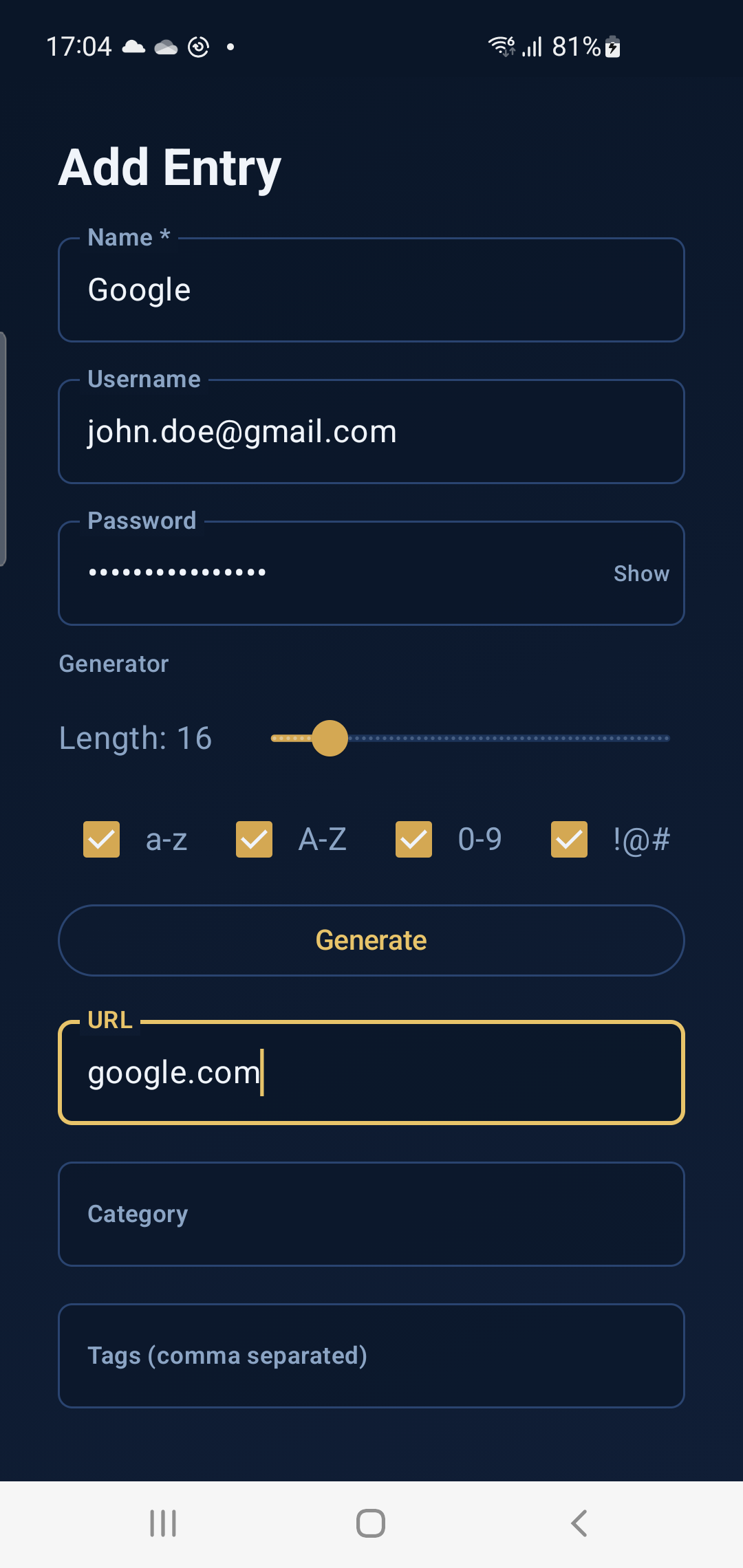
Create strong passwords with configurable length, symbols, and character sets. Clipboard auto-clears after 30 seconds.
Store usernames, passwords, URLs, notes, and tags. Keep encrypted Secure Notes for sensitive text like recovery keys or PINs.
Quickly spot weak, reused, or old passwords. Identify entries missing URLs and clean up your vault in one place.
Passwords are masked by default. Per-entry reveal auto-hides after a short timeout to prevent shoulder-surfing.
Encrypted .vlt backups are portable between machines. Vault3R verifies integrity and supports merge or overwrite restore modes.
Import from CSV (multiple delimiters and encodings supported), export to CSV or JSON, and create portable .vlt backups.
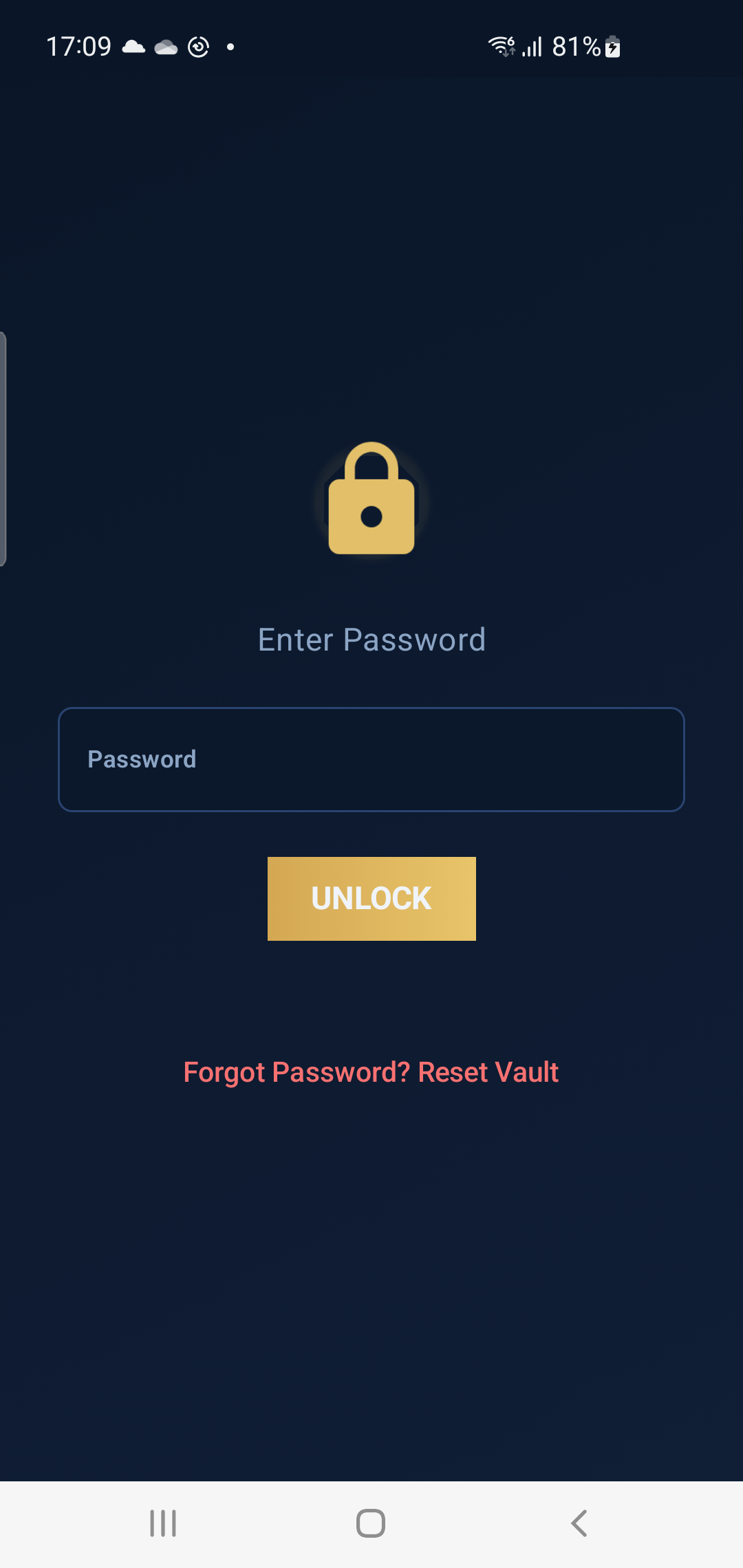
On Android: unlock your vault with PIN, fingerprint, or face recognition. Add TOTP as a second factor for extra security.
Mark important entries as favorites. Use tags to organize and quickly filter your vault.
Android Quick Settings tiles let you search your vault or add a new password without even opening the app.
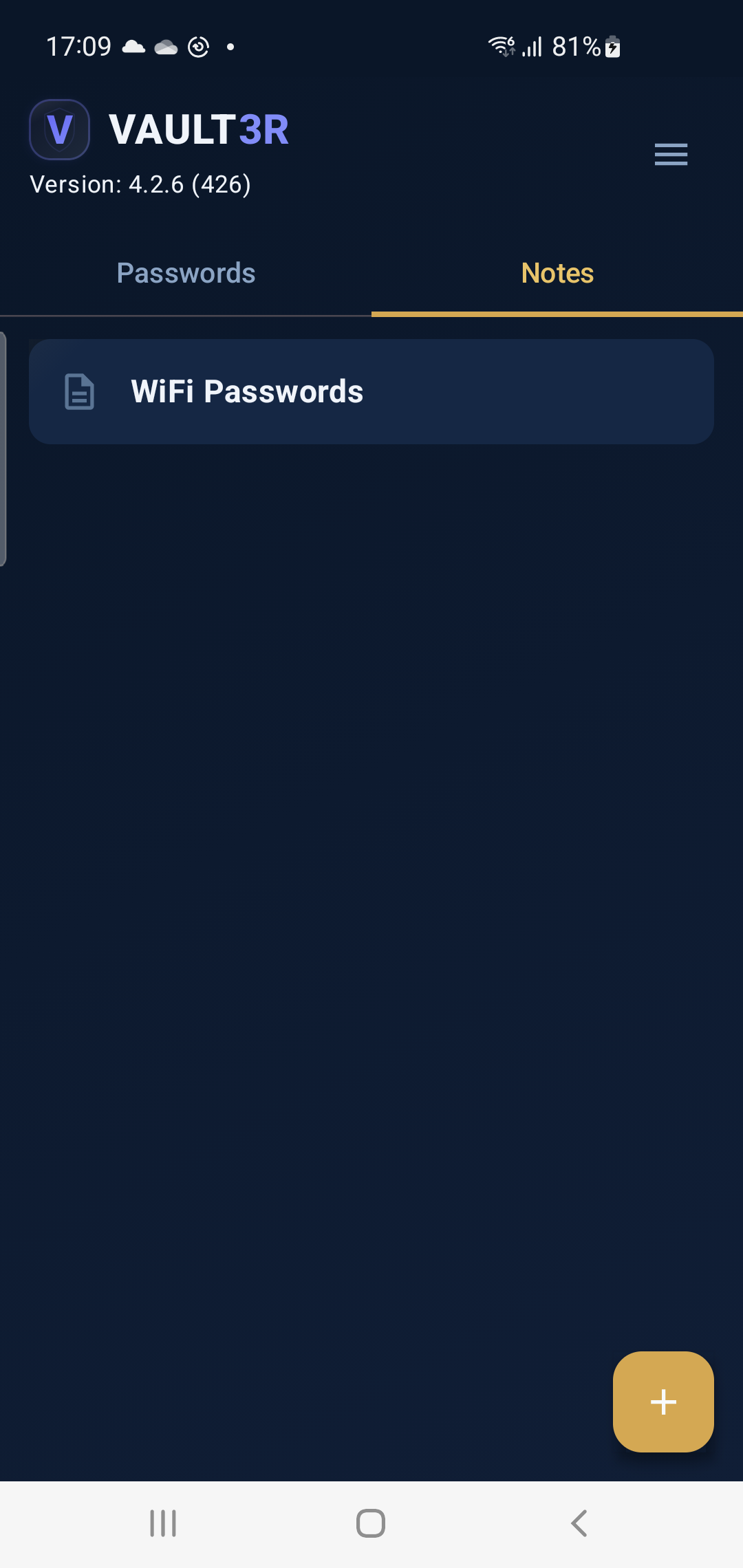
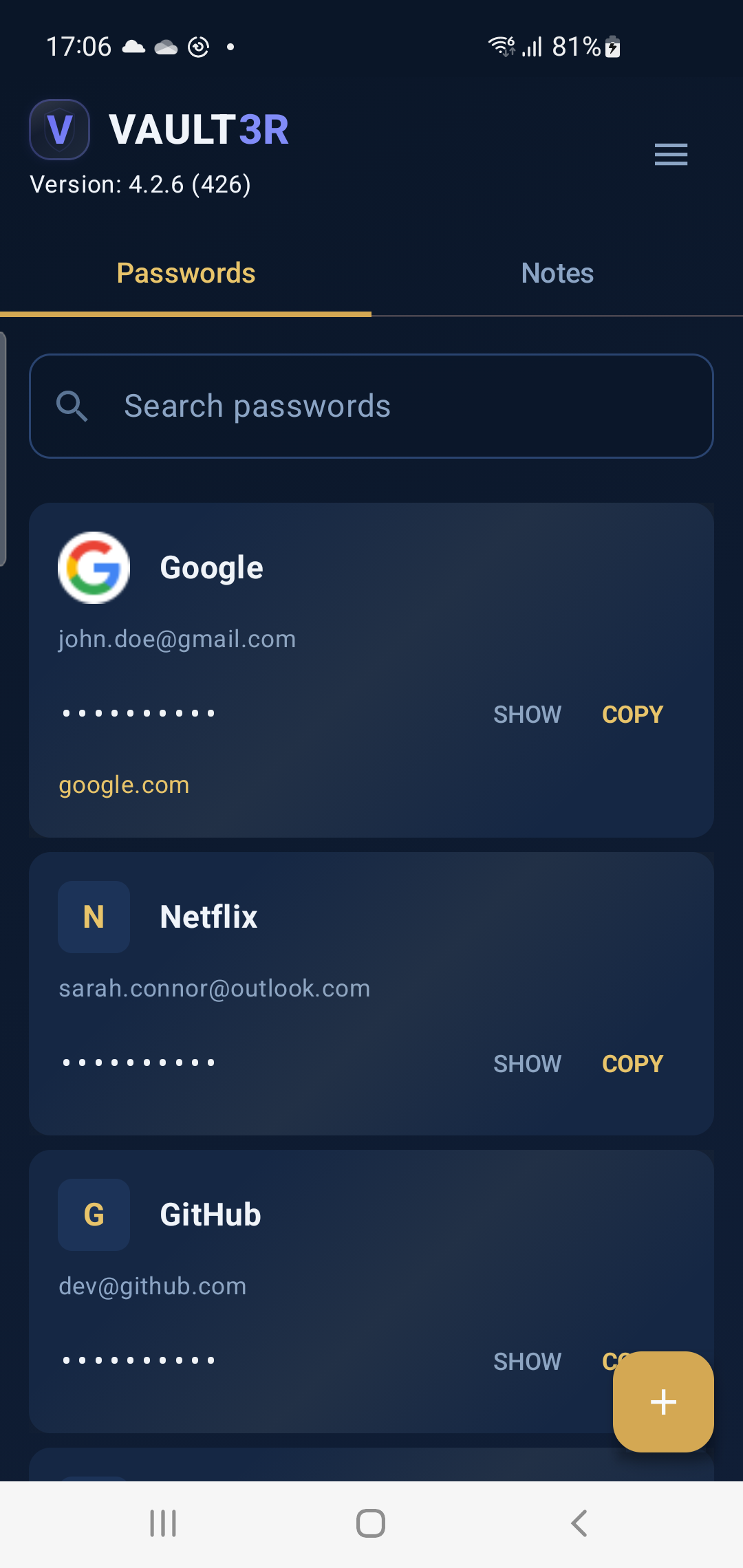
Vault3R on Android — clean, fast, and secure.
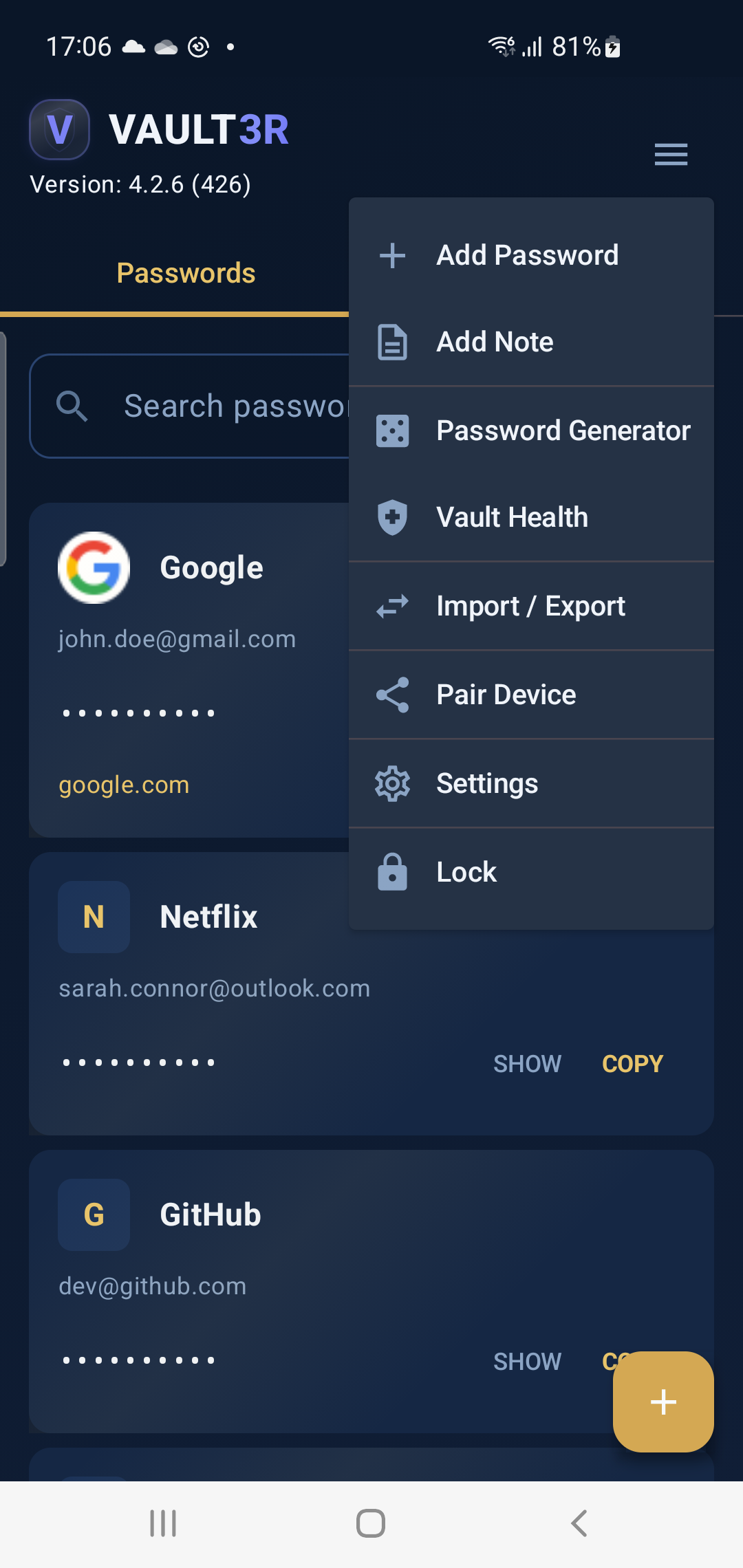
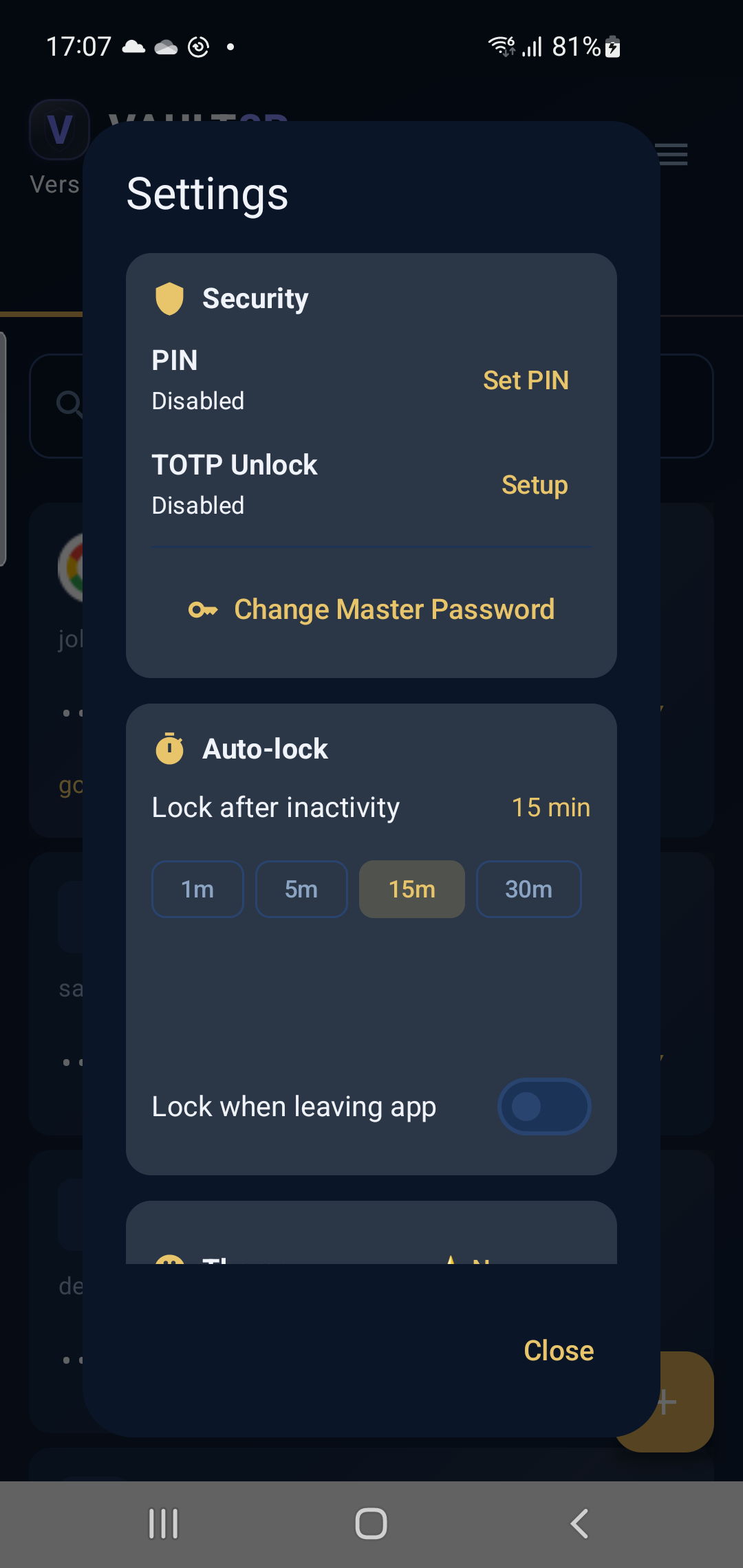
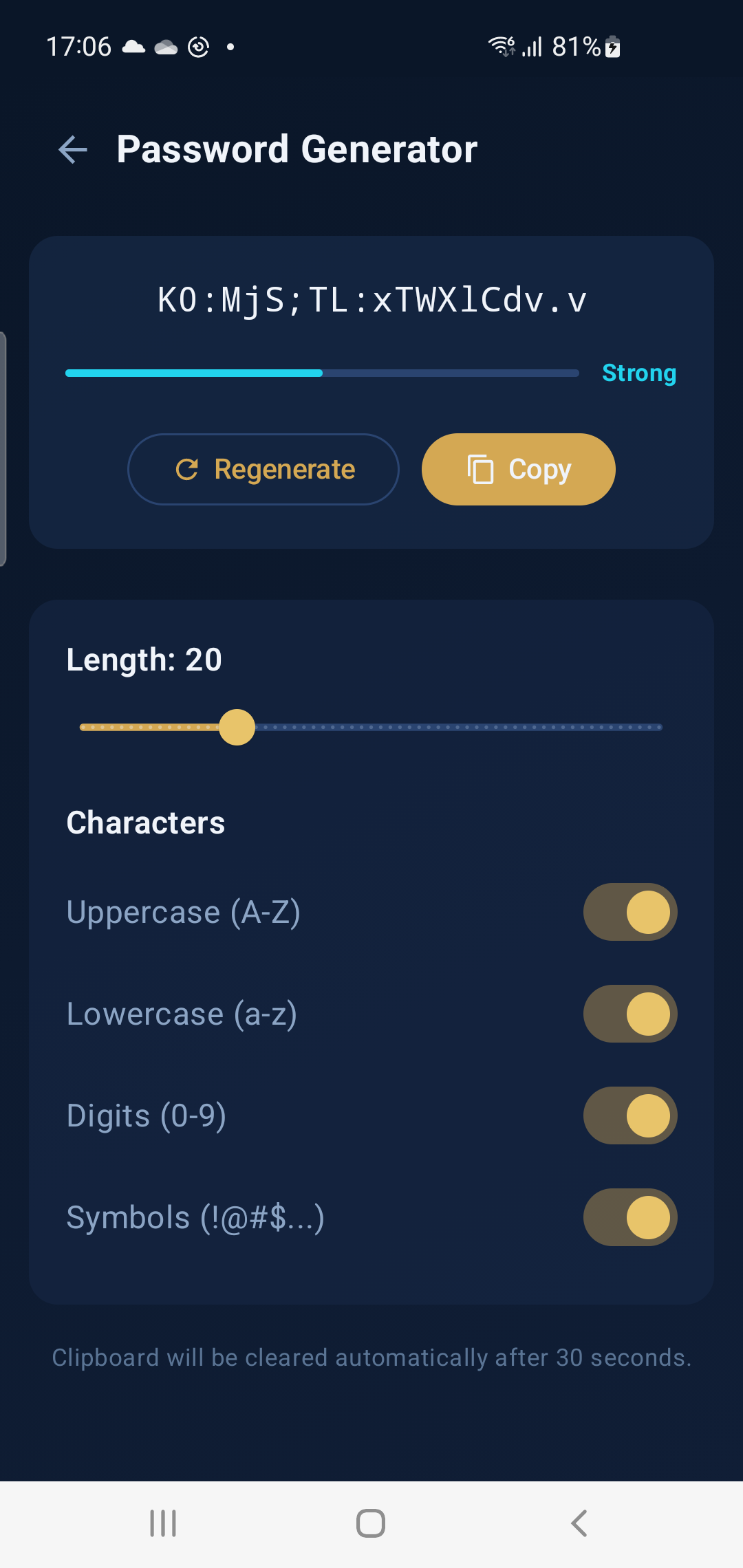
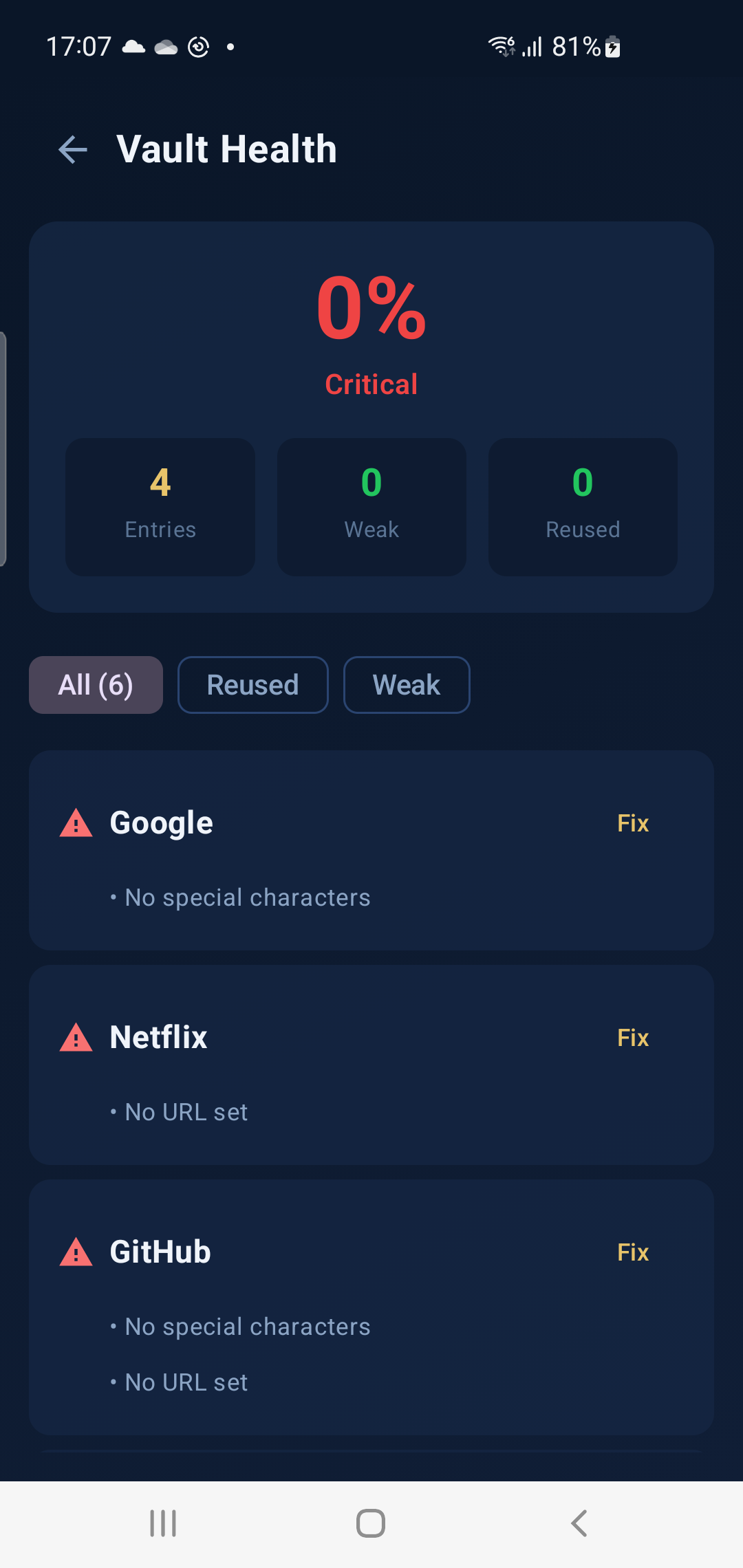
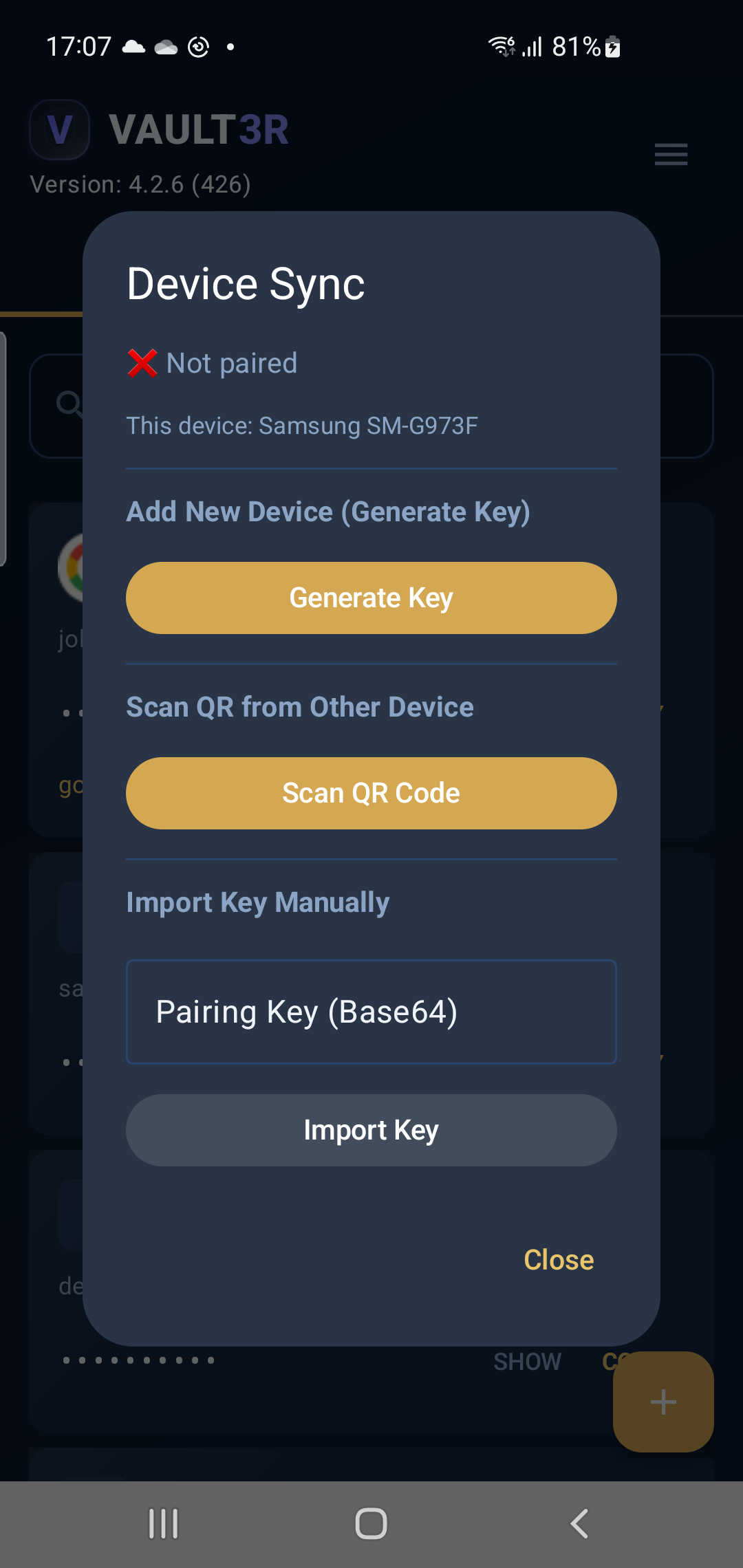
End-to-end encrypted. Ephemeral relay. Zero knowledge. Your vault is never stored on any server.
One-time scan pairs Windows & Android with a shared AES key. The key is derived locally and never transmitted.
Vault is encrypted with the shared key and pushed to a temporary channel. The relay handles only opaque ciphertext.
Receiving device decrypts and merges locally. Relay data is purged automatically the moment download completes.
All vault data is encrypted with AES-256 in GCM mode — authenticated encryption that protects both confidentiality and integrity.
Your master password is never stored. A high-iteration PBKDF2 function derives the encryption key, making brute-force attacks impractical.
Your encrypted vault file lives only on your device. Vault3R never sends your data to any server — sync is on-demand and ephemeral.
Password generation uses a cryptographically secure random number generator. Every character is truly unpredictable.
Copied passwords are automatically cleared from the clipboard after 30 seconds. Minimizes exposure from clipboard history tools.
Vault3R locks automatically after inactivity. On Android, it locks when the app goes to background or the screen turns off.
One-time payment (Stellar/XLM). No subscriptions, no recurring fees.
time-limited
one-time (XLM)
Google Play
Coming soon
Portable ZIP (Windows)
Unzip and launch Vault3R.exe
Set a master password and you're ready
~5 USD one-time
Pay with Stellar (XLM). No subscriptions.
Go to payment →Portable ZIP
Extract & run. Requires .NET 8 Desktop Runtime.
Download nowFree on Google Play
All features unlocked. No license required.
Google Play →Free Coming soon
iPhone & iPad. FaceID, encrypted sync, autofill.
Coming soonWindows requires .NET 8 Desktop Runtime (x64) if not already installed.